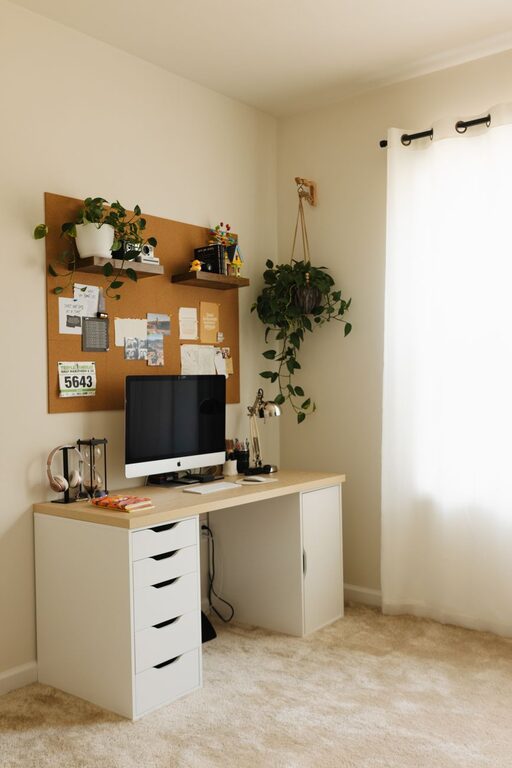
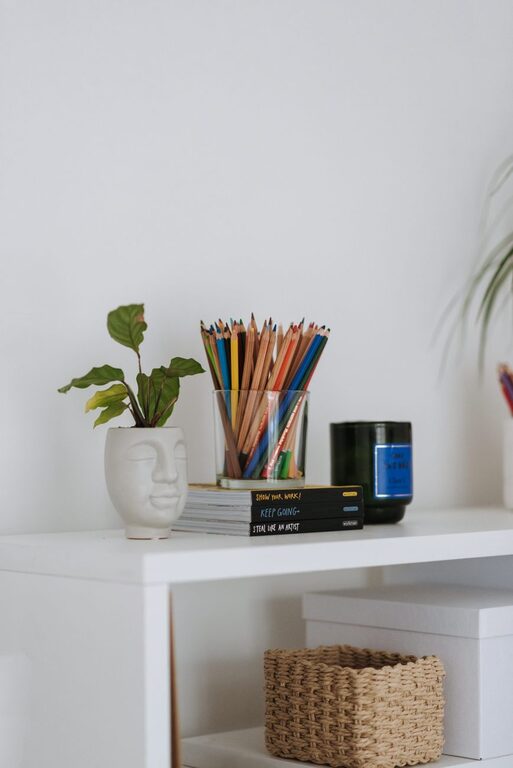
Creating a clutter-free home office workspace can greatly enhance your productivity and make working from home more enjoyable. A well-organized space reduces distractions and helps you focus on your tasks, leading to better work outcomes and less stress. Here are some practical tips to help you organize your home office and keep it tidy.
1. Choose the Right Location
Start by selecting a spot in your home where you can work comfortably with minimal interruptions. Ideally, this area should have good natural light and enough space for your desk and storage. If space is limited, look for creative solutions like a corner desk or a foldable workstation.
2. Declutter Regularly
Before organizing, it’s important to clear out unnecessary items. Go through your office supplies, papers, and gadgets, and remove or recycle anything you no longer need. A clutter-free environment begins with having only the essentials on hand.
3. Use Functional Storage Solutions
Desk Organizers and Drawers
Use desk organizers to sort pens, notebooks, and other small supplies. Drawer dividers can help separate different items so you avoid digging through piles each time you need something.
Shelves and Filing Cabinets
Install shelves to hold books, binders, and boxes. A filing cabinet or portable file boxes are great for storing important documents and keeping papers from piling up on your desk.
Cord Management
Keep cords and chargers under control with cable clips or a cable management box. Tangled cords can create visual clutter and become a tripping hazard.
4. Establish Zones
Divide your workspace into zones based on different tasks:
– Work zone: your computer, keyboard, and primary work tools.
– Reference zone: books, manuals, and notes.
– Storage zone: supplies and equipment.
Organizing by zones helps you keep everything in its place and makes it easier to find what you need quickly.
5. Go Digital When Possible
Reduce paper clutter by scanning documents and storing files digitally. Use cloud storage services for important files so you can access your documents anywhere and keep your physical space clear.
6. Personalize Without Cluttering
Adding a few personal touches, like a plant or a photo frame, can make your office feel inviting and comfortable. Just be careful not to overdo it. One or two meaningful items are enough to brighten your space without causing distractions.
7. Keep Cleaning Supplies Handy
Make it a habit to tidy your workspace at the end of each day. Keep a small set of cleaning supplies nearby—a microfiber cloth, screen cleaner, and disinfectant wipes—to quickly wipe down surfaces and keep dust and dirt at bay.
8. Use a Planner or Calendar
Keep a planner or calendar visible to organize your schedule. This can be a physical calendar on the wall or a digital one on your computer. Having your appointments and deadlines displayed clearly reduces stress and helps plan your workload effectively.
9. Optimize Lighting
Good lighting reduces eye strain and keeps you alert. Position your desk near a window if possible for natural light. Supplement with adjustable desk lamps or LED lights to ensure your workspace is well lit during evenings or cloudy days.
10. Set Limits on Workspace Use
Try to keep your office space strictly for work to separate professional time from personal time. This mental boundary helps maintain focus while working and makes it easier to unwind after hours.
—
Organizing a clutter-free home office takes some initial effort, but the payoff is a workspace that promotes focus and creativity every day. Remember to declutter regularly and reassess your setup as your needs change. With these simple tips, you can create a home office that’s both functional and enjoyable. Happy organizing!
About the Author